Website Settings
The Website Settings give you the possibility to configure website-specific settings, which you can
access in every controller and view.
Examples:
- ReCAPTCHA public & private key
- Locale settings
- Google Maps API key
- Defaults
- ....
Access the Settings
In controllers and views, you can use view helpers or argument resolves to access the config. The returned configuration is an array containing your settings.
Example Configuration
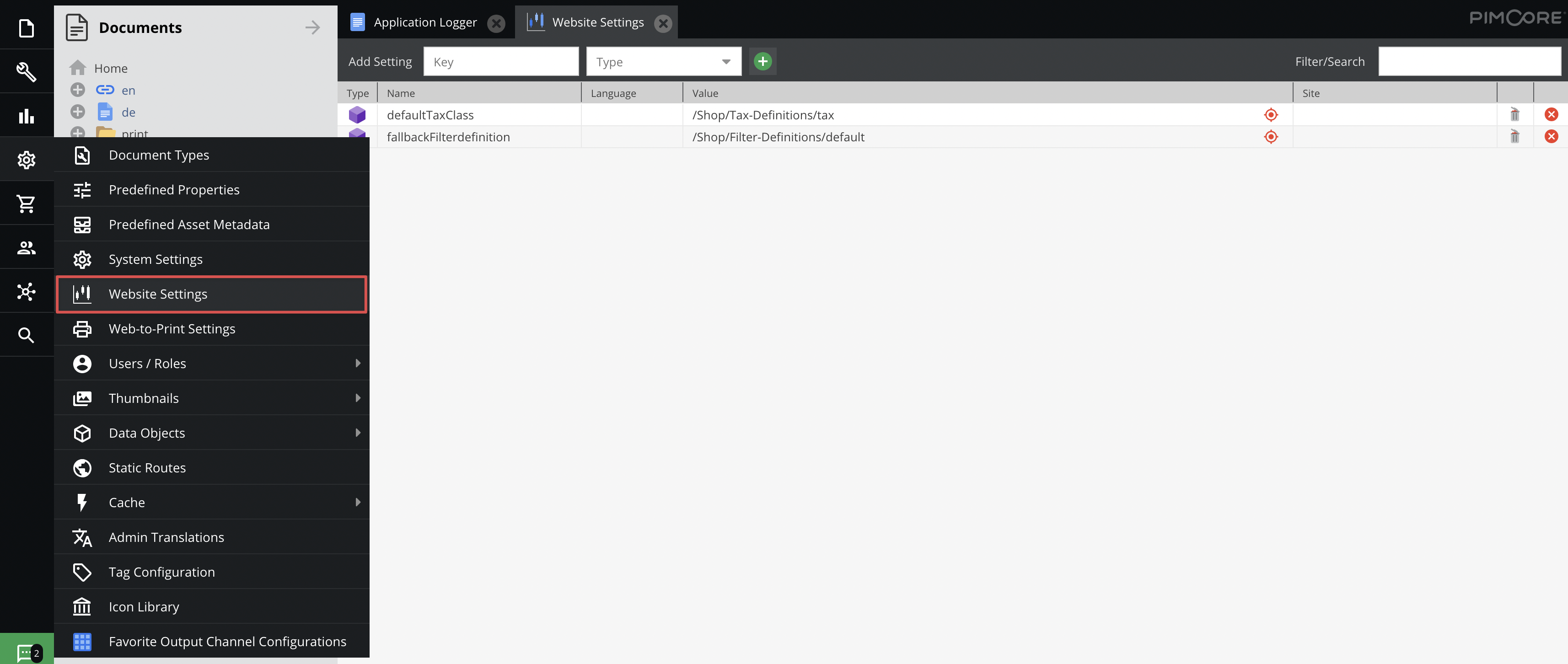

Usage in a template:
{# access the whole configuration #}
{{ pimcore_website_config() }}

{# or only a single value #}
{{ pimcore_website_config('googleMapsKey') }}

{# you can pass a default value in case the value is not configured #}
{{ pimcore_website_config('googleMapsKey', 'NOT SET') }}
Usage in a controller:
<?php

use Symfony\Component\HttpFoundation\Response;

class TestController
{
    public function testAction(array $websiteConfig): Response
    {
        $recaptchaKeyPublic = $websiteConfig['recaptchaPublic'];

        // ...
    }
}
Manipulate the values in a Controller
If you want to change the value of a website setting from your PHP script, for example from a controller, you can use this code.
<?php

use Symfony\Component\HttpFoundation\Response;

class TestController
{
    public function testAction(): Response
    {
        // get the "somenumber" setting for "de"
        // if the property does not exist you will get the setting with not language provided
        $somesetting = \Pimcore\Model\WebsiteSetting::getByName('somenumber', null, 'de');
        $currentnumber = $somesetting->getData();
        //Now do something with the data or set new data
        //Count up in this case
        $newnumber = $currentnumber + 1;
        $somesetting->setData($newnumber);
        $somesetting->save();

        // ...
    }
}