Execution Configuration
Depending on the configuration there are different options to start an actual import.
When data source is push, the import process starts every time data is pushed to the corresponding
endpoint. There is no further configuration possible or needed.
For all the other data sources, Pimcore needs a trigger to start the import process. Following triggers are available.
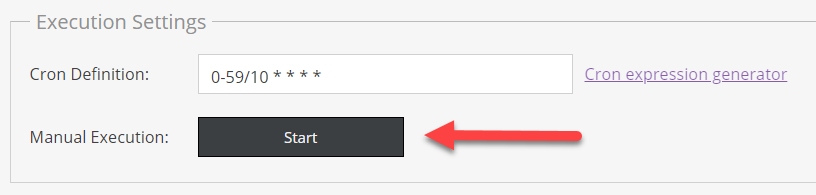
Manual Execution
Clicking on the Manual Execution Start button in the configuration editor manually starts the import.

Cron-based Execution
Besides the Manual Execution Start button there is also the possibility to configure a cron definition
based on which the import starts on a regular base, e.g. every 10 Minutes, once a day, etc.
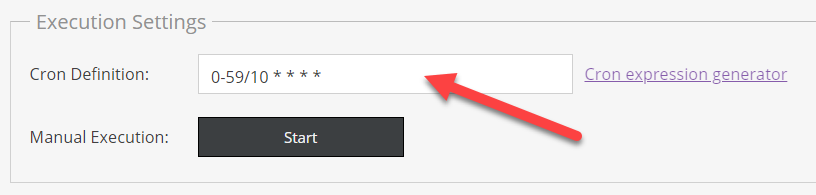

See for example Crontab Guru for possibilities and a generator for generating cron definitions.
Make sure
datahub:data-importer:execute-croncommand is setup properly during installation.
Command-based Execution
It is also possible to imports with executing the datahub:data-importer:prepare-import command on the commandline.
For further details on import execution also see Import Execution Details.