Path Formatter
Summary
- Allows you to show a user friendly "object information' instead of technical path in Pimcore data types such as Many-To-One, Many-To-Many (Object) etc.
- Uses Ajax to request nice path info on demand (i.e. after rendering)
Example
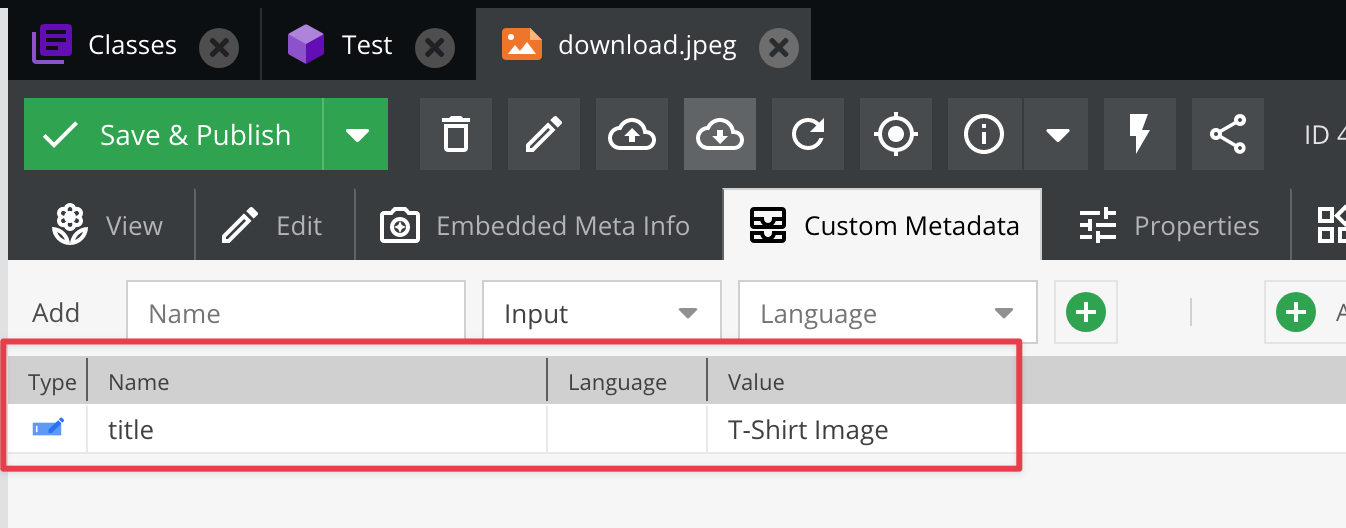
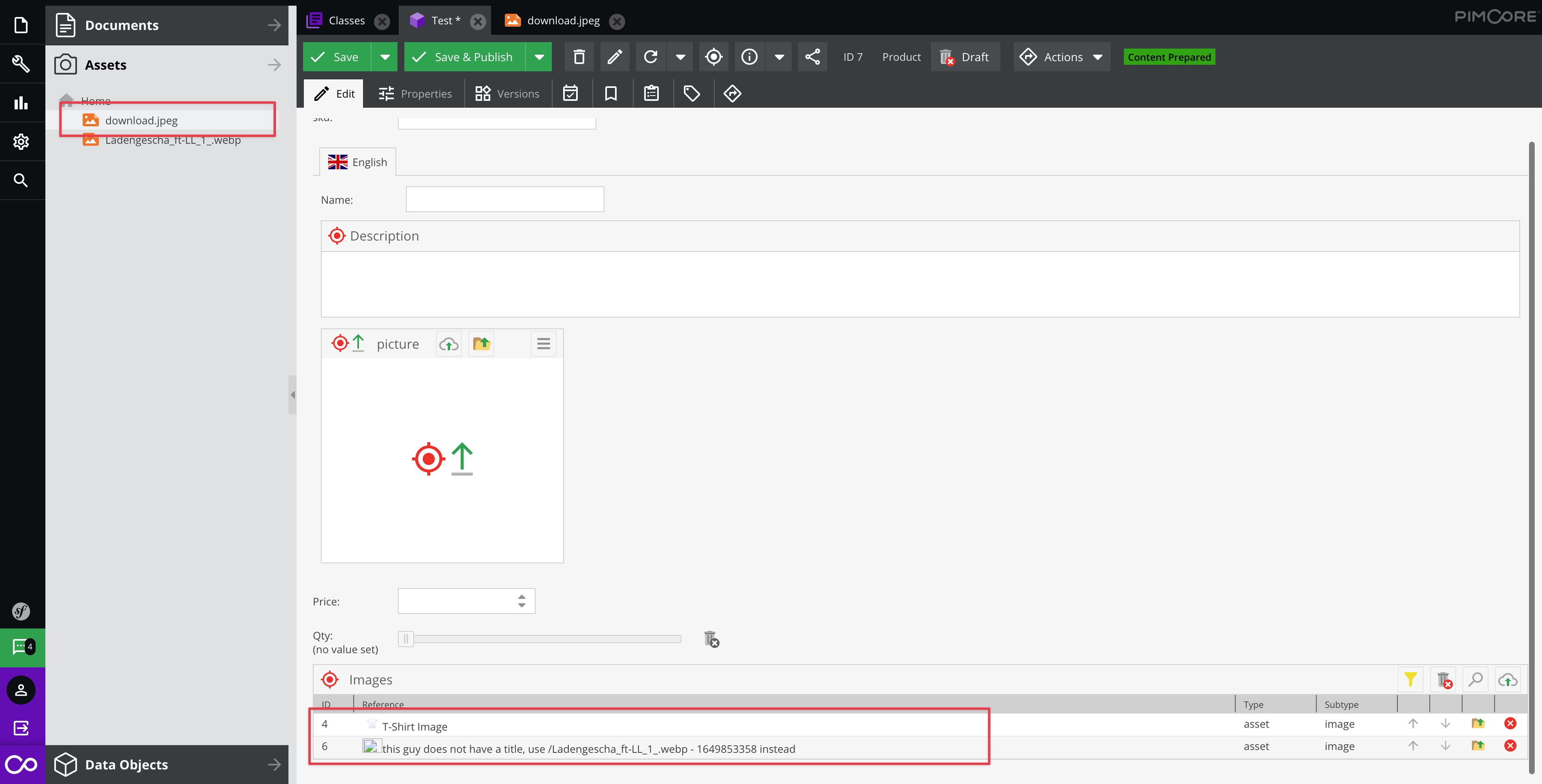
In this example, we want to display the asset metadata title of the target asset.


Configuration via class editor
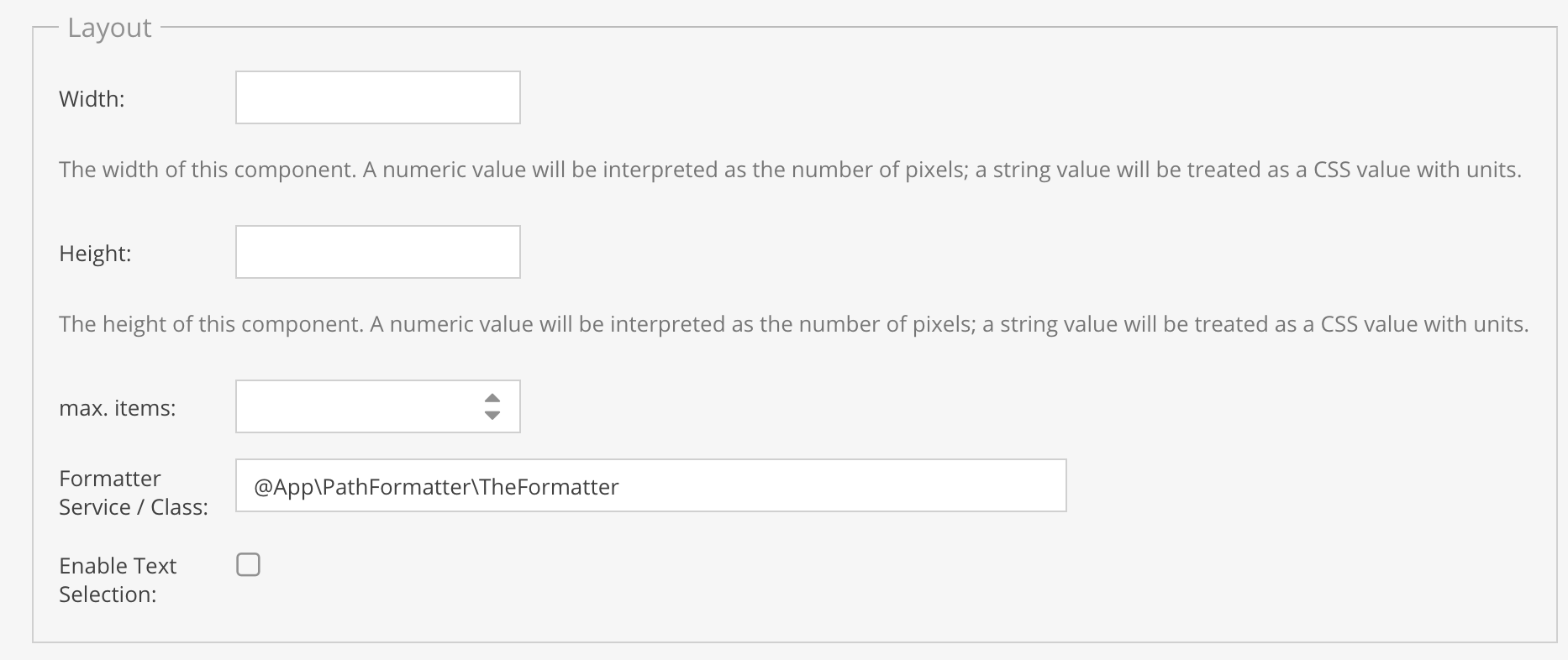
Just specify the formatter service in the class editor.

Sample Formatter Class
<?php

namespace App\PathFormatter;

use Pimcore\Model\Asset;
use Pimcore\Model\Element\ElementInterface;
use Pimcore\Model\DataObject\BlogArticle;
use Pimcore\Model\DataObject\ClassDefinition\Data;
use Pimcore\Model\DataObject\ClassDefinition\PathFormatterInterface;
use Pimcore\Model\DataObject\Concrete;
use Pimcore\Model\DataObject\News;

class TheFormatter implements PathFormatterInterface
{
    /**
     * @param array $result containing the nice path info. Modify it or leave it as it is. Pass it out afterwards!
     * @param ElementInterface $source the source object
     * @param array $targets list of nodes describing the target elements
     * @param array $params optional parameters. may contain additional context information in the future. to be defined.
     *
     * @return array list of display names.
     */
    public function formatPath(array $result, ElementInterface $source, array $targets, array $params): array
    {
        /** @var Data $fd */
        $fd = $params['fd'];
        $context = $params['context'];

        foreach ($targets as $key => $item) {
            $newPath = ($item['path'] ?? $item['fullpath']) . ' - ' . time();
            if (isset($context['language'])) {
                $newPath .= ' ' . $context['language'];
            }

            if ($item['type'] === 'object') {
                $targetObject = Concrete::getById($item['id']);
                if ($targetObject instanceof News) {
                    $newPath = $targetObject->getTitle() . ' - ' . $targetObject->getShortText();
                }  else if ($targetObject instanceof BlogArticle) {
                    $newPath = $targetObject->getTitle();
                }
            } elseif ($item['type'] === 'asset') {
                $asset = Asset::getById($item['id']);
                if ($asset) {
                    $title = $asset->getMetadata('title');

                    if (!$title) {
                        $title = 'this asset does not have a title, use ' . $newPath . ' instead';
                    }
                    if ($fd instanceof Data\ManyToManyRelation) {
                        $newPath = '<img src="' . $asset . '" style="width: 25px; height: 18px;" />' . $title;
                    } else {
                        $newPath = $title;
                    }
                }
            }

            // don't forget to use the same key, otherwise the matching doesn't work
            $result[$key] = $newPath;
        }

        return $result;
    }
}
Note regarding batch assignment
The containerType will be batch and the object ID will be the folder ID.