URLs Based on Redirects
To use this feature, please enable the PimcoreSeoBundle in your bundle.php file and install it accordingly with the following command:
bin/console pimcore:bundle:install PimcoreSeoBundle
Introduction
Redirects are a useful feature of Pimcore for directing the user to the correct pages - may it be for marketing URLs, for redirects after a website relaunch or redirects for moved Documents.
Depending on their priority, Redirects come second (priority 99) or fifth (all other priorities) in the route processing priority.
Setting up Redirects
Redirects are configured in the Redirects editor, accessible via the Tools menu.
Regular Expression and Back-Reference Syntax
You can use regular expressions to define the sources, the placeholders in the regex can be accessed in the target URL using the PCRE back-reference syntax.


Notice: Only simple $1-n references are possible, no special back-reference syntax.
Priority
Each redirect has a priority.
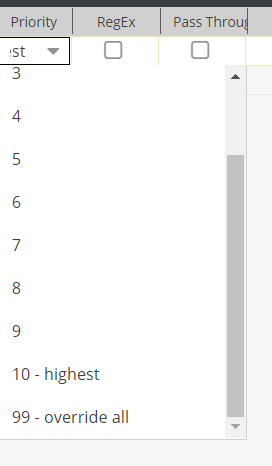

- 99 (override all): Redirects with priority 99 come second in route processing and therefore overwrite document paths and custom routes.
- 1 (lowest) - 10 (highest): Redirects with priority 1 to 10 come fifth in route processing and are processed after document paths and custom routes.
Creating Redirects When Moving or Renaming Documents
Pimcore provides the ability to automatically create Redirects when renaming and moving Documents (in terms of SEO and user experience).
pimcore_seo:
    redirects:
        auto_create_redirects: true
Creating custom redirect status codes
The redirect status codes list can be extended by adding custom codes in config.yaml:
pimcore_seo:
    redirects:
        status_codes:
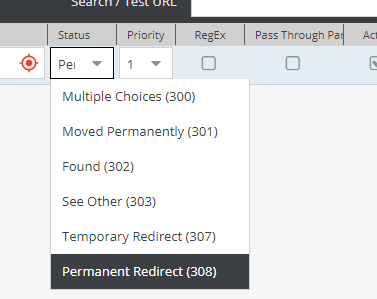
            308: Permanent Redirect
The new status codes can be seen in admin.