Configuration
General Tab
The general tab allows you to configure basic settings for the Datahub integration.
- Active: Activate or deactivate the configuration.
- Name: Name of the configuration.
- Description: Description of the configuration.
- Group: Group of the configuration, displayed in the Datahub configuration list (tree).
Workspaces
The workspaces tab allows you to configure workspaces for the Datahub integration.
Add different paths by using the + Add button. You can manually enter the path or drag and drop a folder from the tree.

Use the checkbox in the Read column to define if the workspace should be included or not.
Delivery Settings
The delivery settings tab allows you to configure the API key and displays the endpoint URL. Click on the button next to the API key field to generate a new key.

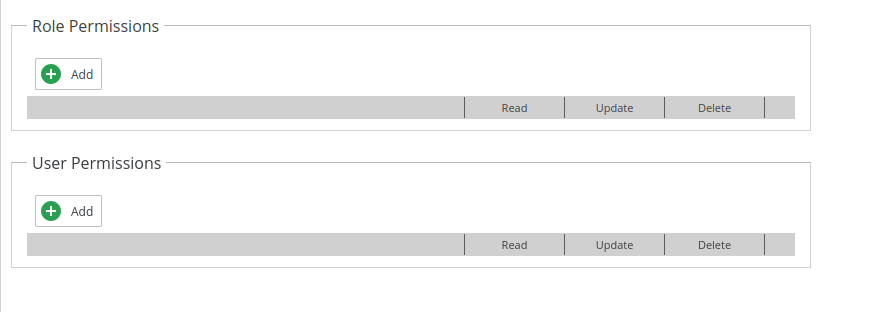
Permissions
The permissions tab allows you to define permissions for the Datahub configuration itself. Add/Remove users or groups to define who can access the configuration.